
Launches the real game
Downloads the client, libraries, natives and assets, finds a matching Java runtime, and starts Minecraft. Modded profiles work the same way vanilla does.
A Minecraft launcher and in-game HUD built for the IrisMC network. It installs Fabric for you, browses Modrinth without leaving the app, and draws a HUD you can drag into whatever shape you play best in.
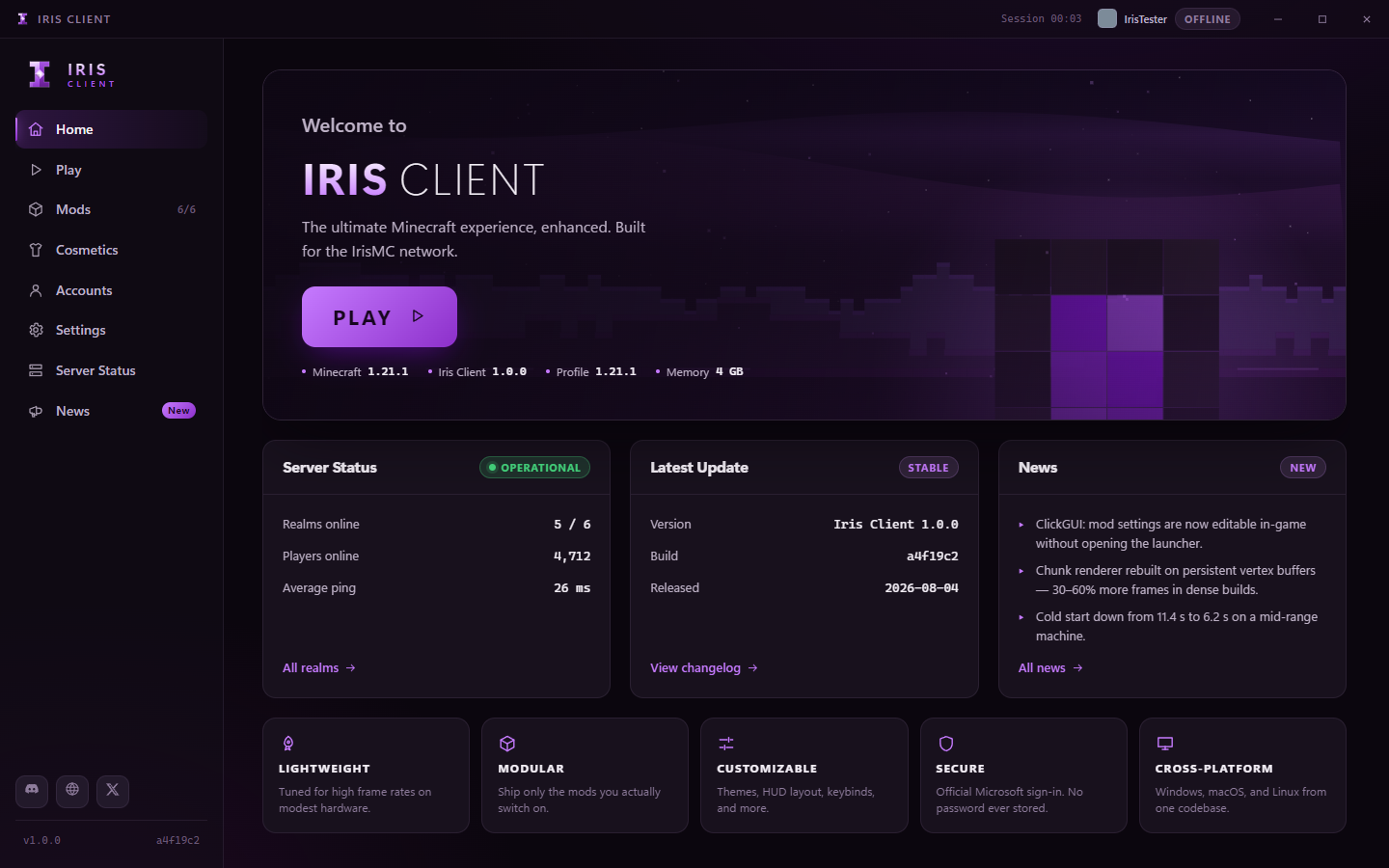
No setup rituals. Pick a version, press play, and the launcher fills in whatever is missing.
Downloads the client, libraries, natives and assets, finds a matching Java runtime, and starts Minecraft. Modded profiles work the same way vanilla does.
Installs the Fabric loader and Fabric API automatically. No separate installer, no hunting for a matching build.
Search, install and disable mods inside the launcher. Dependencies come along, and disabling uses the loader's own convention so other launchers agree.
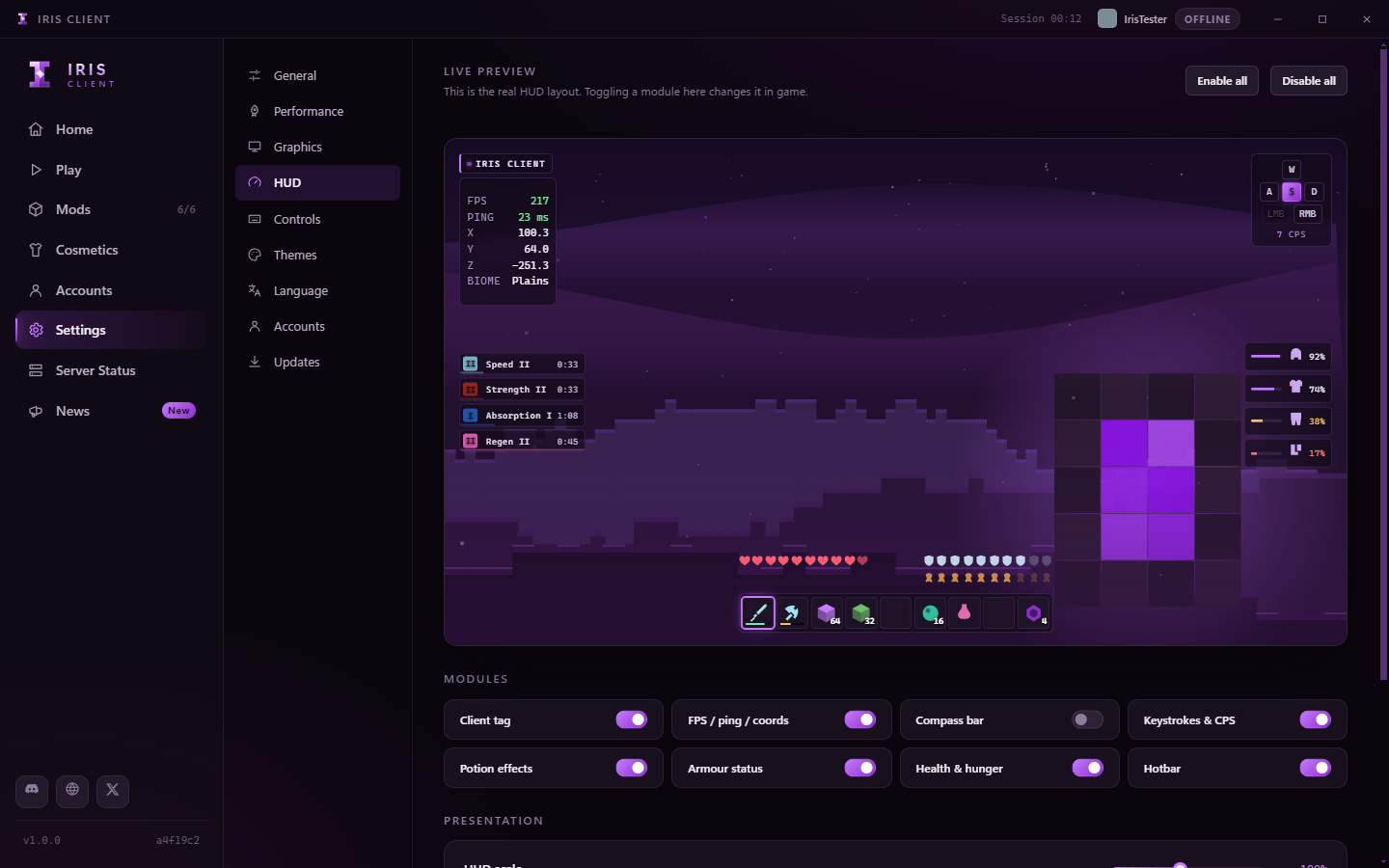
Frame rate, latency, coordinates, keystrokes, armour and effects. Drag each module where you want it; edges and centres snap.
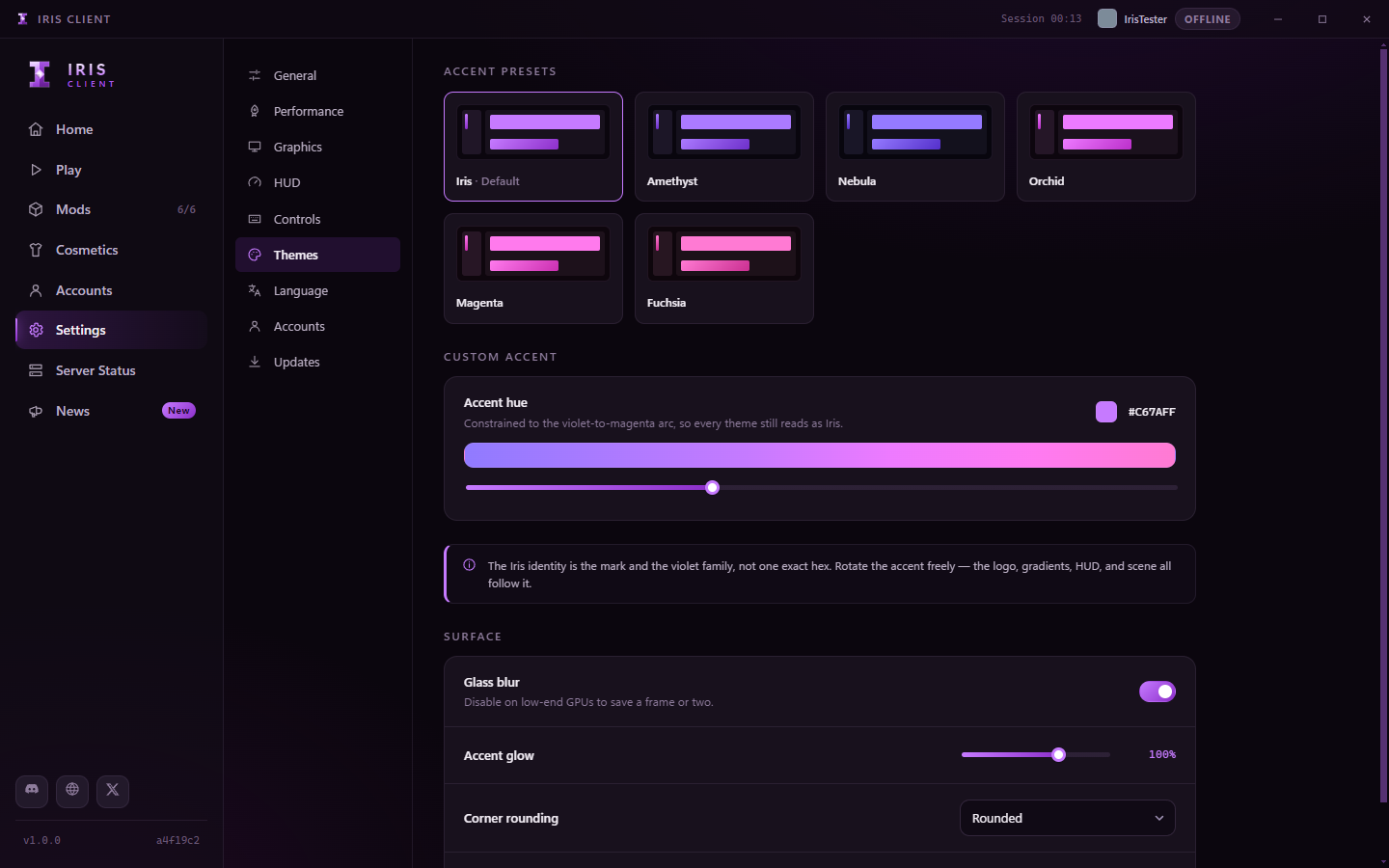
Rotate the accent across the violet-to-magenta arc. The launcher, the logo and the in-game HUD all move together.
Checks on start-up and every six hours, downloads in the background, and installs only when you say so. The in-game mod updates with it.
Eight modules, each owning its own corner. Configure them from the launcher or from the in-game menu - both write the same file, so a change lands in a running game within a second.
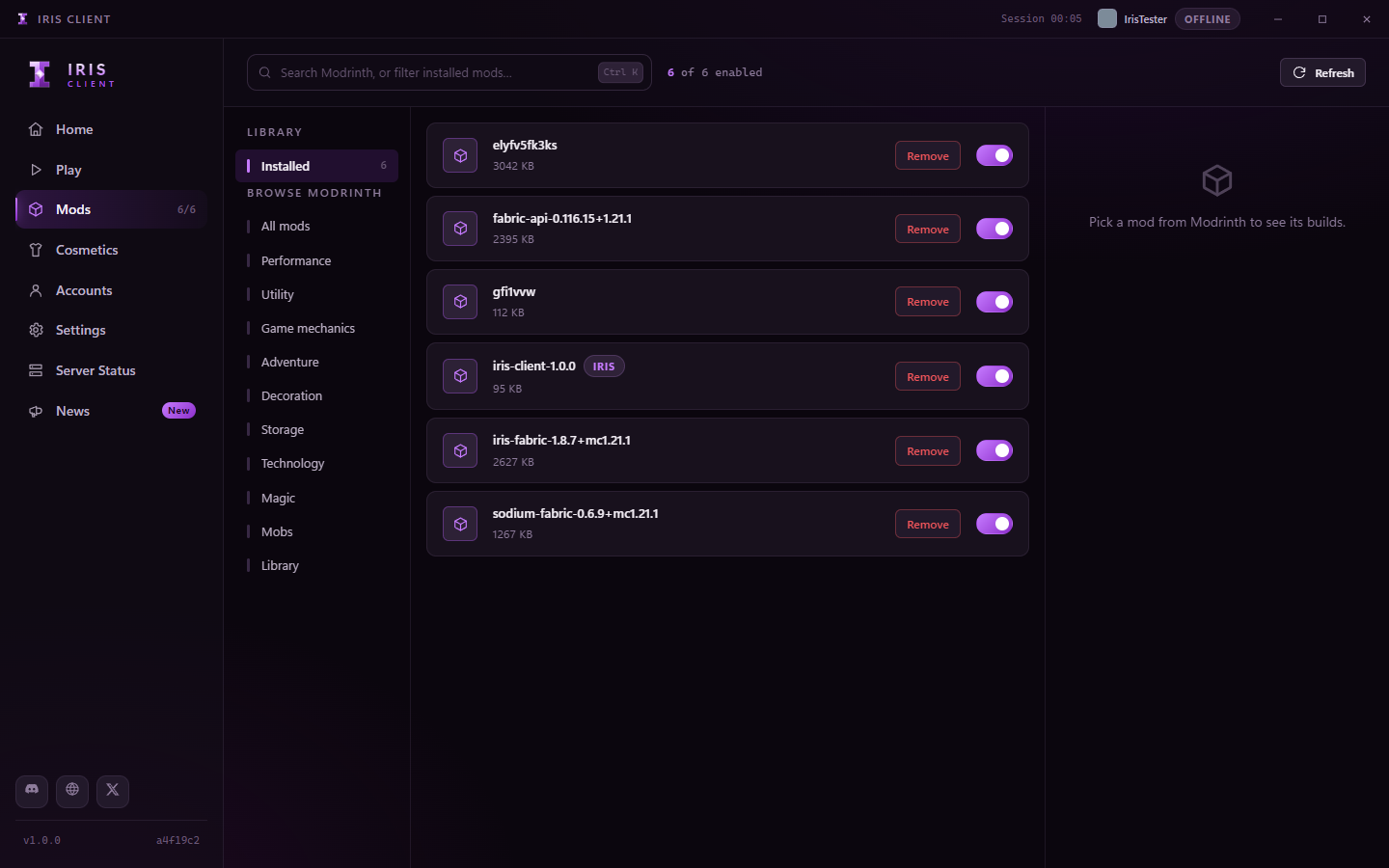
Search Modrinth by category, install with one press, and let the launcher resolve dependencies. Shader support installs a compatible Sodium and Iris Shaders pair rather than the newest of each, which is how incompatible combinations happen.
Every accent, gradient, border and glow - and the logo itself - derives from a single value. Move it and everything follows, including the HUD inside the game.
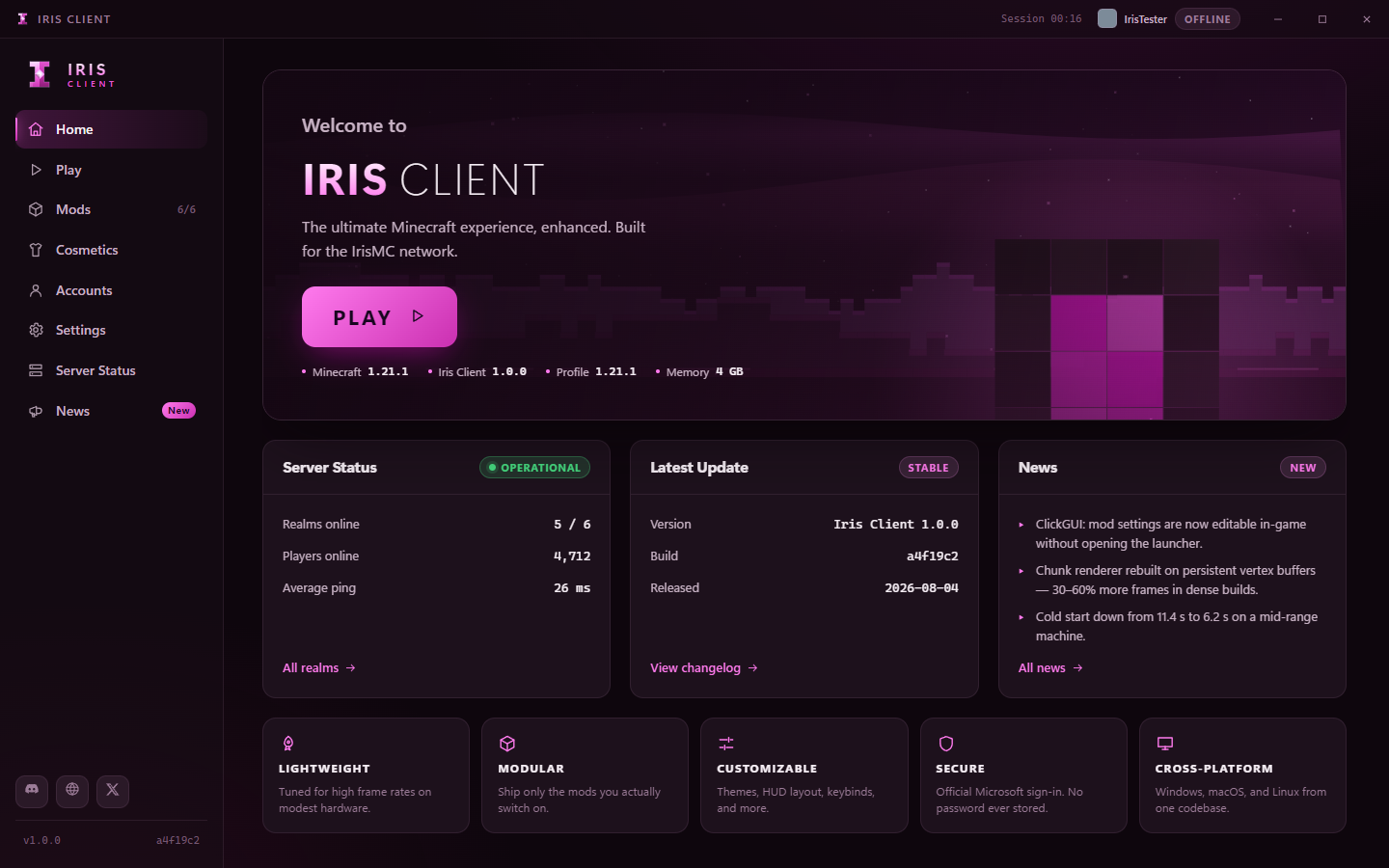
Download the installer, sign in, and play. Windows build available now.